
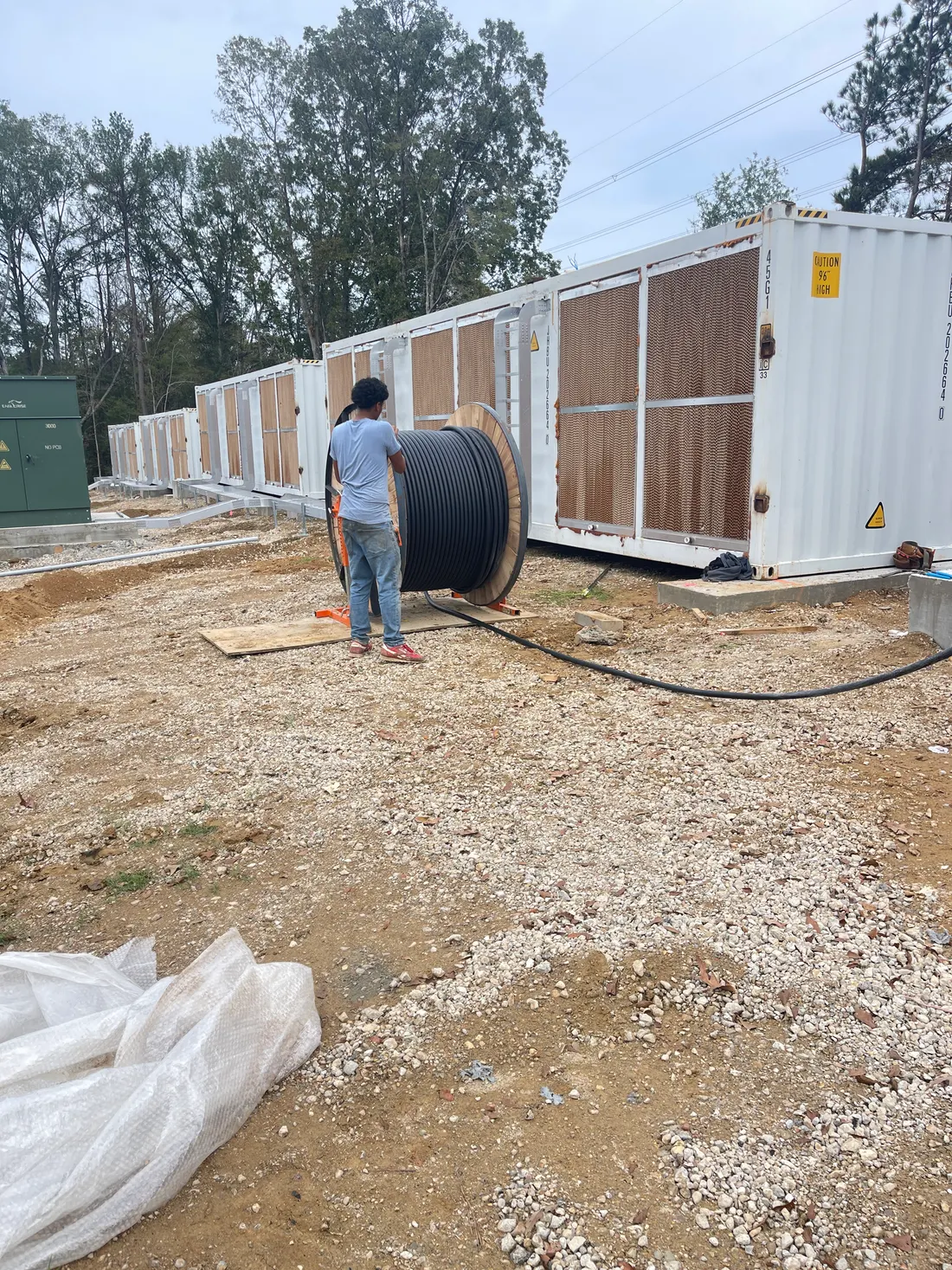
Use a wide, medium, and detail sequence
Start with a wide image that identifies the work area and access. Add a medium image showing the equipment, material, or repair boundary. Finish with the detail that supports the note or measurement. A close-up without location context is difficult for anyone outside the field crew to use.
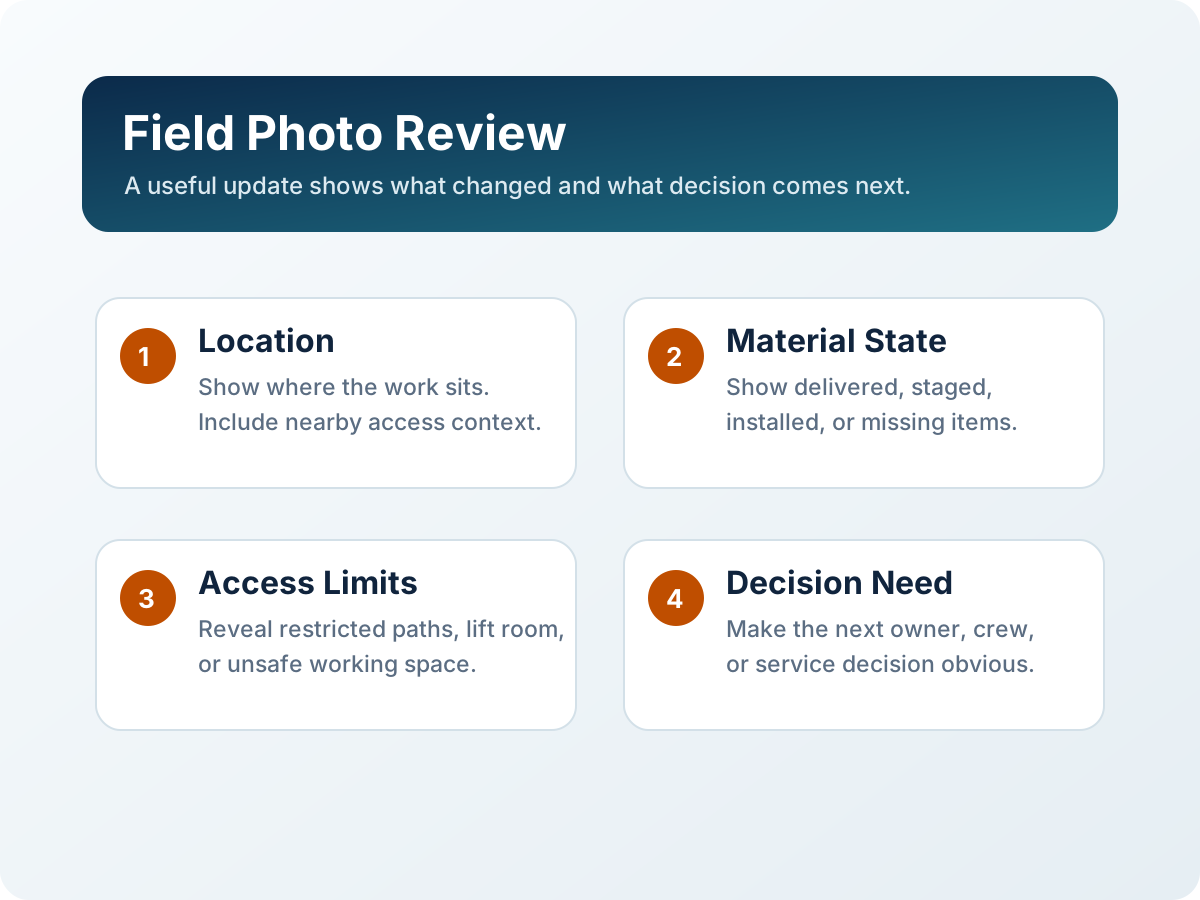
Write captions that identify facts, not guesses
Name the location, date, visible item, and work status. Separate what the photo shows from what still needs confirmation. Avoid assigning cause, acceptance, compliance, or completion unless the responsible person has made that determination.
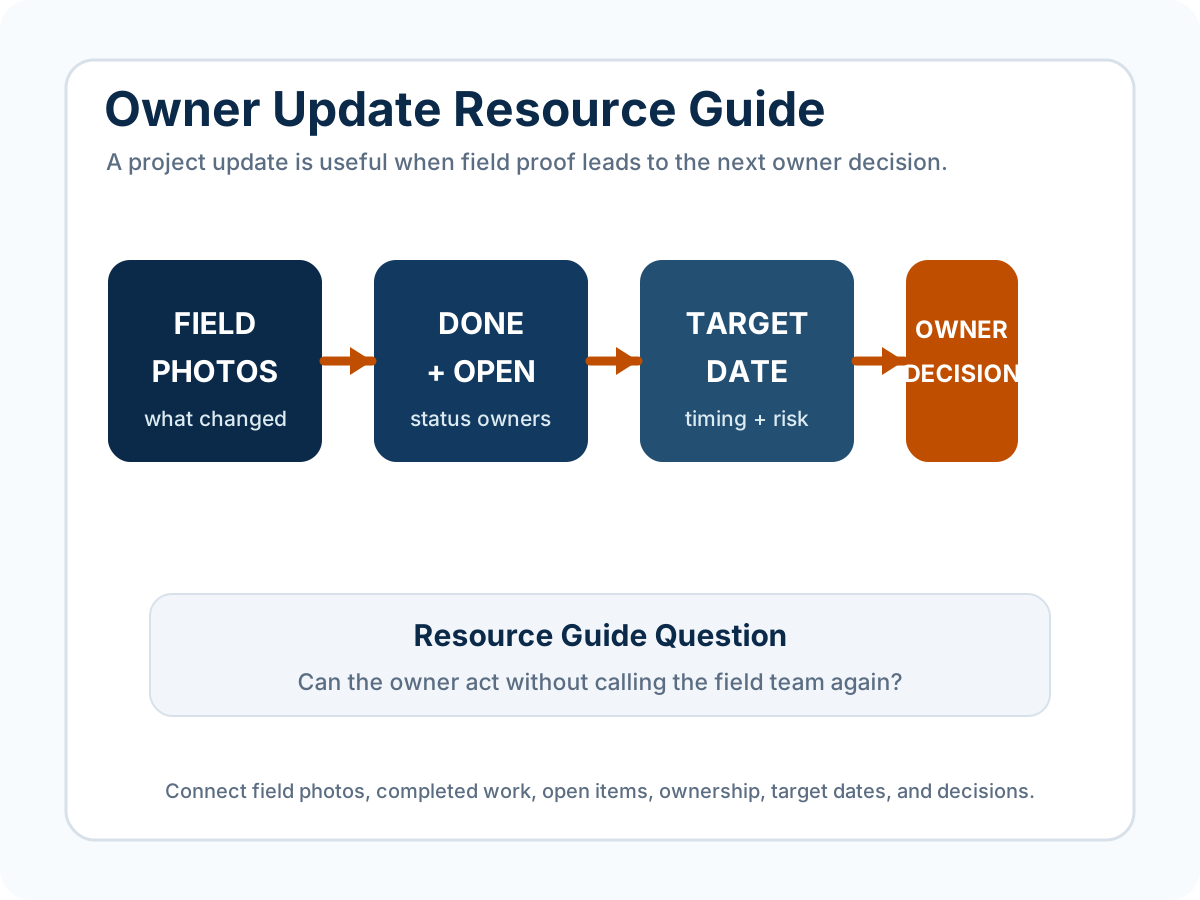
Build the owner update around change and responsibility
An owner update should list completed work, open items, responsible parties, target dates, and decisions required. Attach the few photos that explain those items instead of sending a large unorganized album.
Review photos before external or public use
Check faces, badges, license plates, screens, drawings, labels, addresses, GPS overlays, customer names, and security-sensitive equipment. Confirm the intended audience and the owner's publication rules before a field image leaves the project team.
What K&K can organize
- A photo index grouped by location, date, activity, or open item.
- Captions that separate visible condition from questions.
- A status summary showing completed work, open items, responsibility, and dates.
- A list of photos or context still needed.
- Visible privacy or external-use concerns for the owner to review.
What remains with the owner and responsible reviewers
Publication permission, privacy releases, legal rights, safety or security review, engineering conclusions, acceptance, inspection, and compliance decisions remain with the responsible parties. K&K can organize the submitted record and flag visible issues; it does not grant those approvals.